MITSUBISHI USB-QC30R2 | USB to MD6 RS-232 PLC Programming Converter Cable — 3M
The Mitsubishi USB-QC30R2 is a USB-to-RS232 converter cable for programming Mitsubishi Q Series PLCs from a modern PC or laptop. It emulates a traditional RS-232 serial COM port via USB, connecting to the MD6 port on the Q Series CPU.
2️⃣ Key Features
- USB Type-A on PC side — no native RS-232 port required; built-in USB-serial converter creates a virtual COM port
- MD6 / Mini-DIN 6-Pin (Male) on PLC side — connects to Q Series CPU RS-232 programming port
- Dual-colour TX/RX LED indicator — visual data transmission/reception status
- USB bus powered — no external power required
- 3-metre cable — suitable for standard programming tasks
3️⃣ Technical Specifications
| Cable Model |
USB-QC30R2 |
| Cable Length |
3 Metres (3M) |
| Interface — PC Side |
USB Type-A (Male) |
| Interface — PLC Side |
MD6 / Mini-DIN 6-Pin (Male) |
| Conversion |
USB to RS-232 (virtual COM port) |
| LED Indicator |
Dual-colour TX/RX |
| Power Supply |
USB bus-powered |
| OS Support |
Windows XP / 7 / 8 / 10 (32 & 64-bit) |
| Condition |
OEM Compatible — New (no retail box) |
4️⃣ Compatible Devices / Models
- Mitsubishi Q Series CPU modules with RS-232 programming port (MD6)
- Use with GX Developer V7.0+ or GX Works2 software
⚠️ Always verify the exact port type and model number on your device before ordering.
5️⃣ Typical Use Cases
- USB-based PC-to-Q Series PLC programming for modern laptops without a COM port
- Program upload/download and online diagnostics via GX Developer or GX Works2
6️⃣ Package Contents
- 1× Mitsubishi USB-QC30R2 Programming Cable, USB-A to MD6, 3M (OEM Compatible — New)
7️⃣ Warranty
- 90-day replacement warranty
- Covers manufacturing defects; physical damage and improper installation not included
8️⃣ Additional Notes
- Driver installation required — creates a virtual COM port. Driver typically included or downloadable from Mitsubishi.
- OEM compatible — not a Mitsubishi-branded retail unit.
- RS-232 serial only via USB adapter — not Ethernet or USB-direct communication.


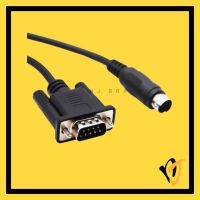 Delta DOP-DVP RS232 HMI to PLC Cable DB9M to MD8 5M DVP Series
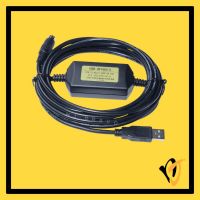 Panasonic USB-AFC8513 USB to 5-Pin PLC Programming Cable 2.5M FP0 FP2 FPX
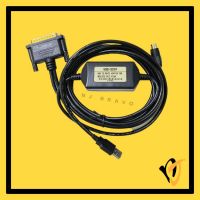 Mitsubishi USB-SC09 USB to RS422 PLC Programming Cable MD8+DB25 3M FX A Series
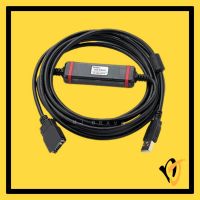 Omron USB-CN226 USB to 10-Pin PLC Programming Cable 2.5M CS CJ CQM1H CPM2C