
Description
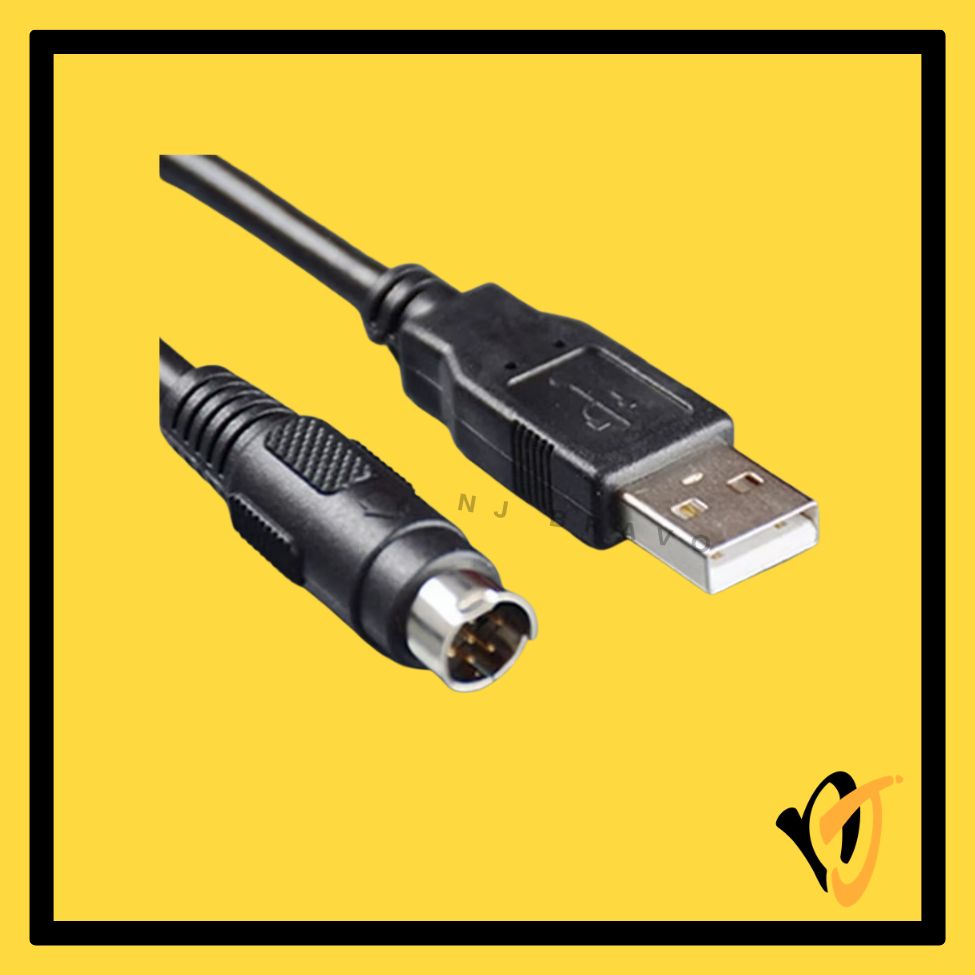
MITSUBISHI USB-QC30R2 | USB to MD6 RS-232 PLC Programming Converter Cable — 3M
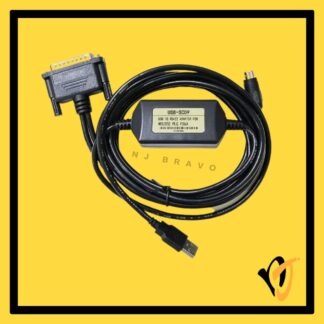
The Mitsubishi USB-QC30R2 is a USB-to-RS232 converter cable for programming Mitsubishi Q Series PLCs from a modern PC or laptop. It emulates a traditional RS-232 serial COM port via USB, connecting to the MD6 port on the Q Series CPU.
Key Features
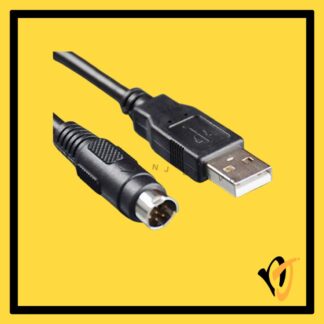
- USB Type-A on PC side — no native RS-232 port required; built-in USB-serial converter creates a virtual COM port
- MD6 / Mini-DIN 6-Pin (Male) on PLC side — connects to Q Series CPU RS-232 programming port
- Dual-colour TX/RX LED indicator — visual data transmission/reception status
- USB bus powered — no external power required
- 3-metre cable — suitable for standard programming tasks
Technical Specifications
| Cable Model | USB-QC30R2 |
| Cable Length | 3 Metres (3M) |
| Interface — PC Side | USB Type-A (Male) |
| Interface — PLC Side | MD6 / Mini-DIN 6-Pin (Male) |
| Conversion | USB to RS-232 (virtual COM port) |
| LED Indicator | Dual-colour TX/RX |
| Power Supply | USB bus-powered |
| OS Support | Windows XP / 7 / 8 / 10 (32 & 64-bit) |
| Condition | OEM Compatible — New (no retail box) |
Compatible Models
- Mitsubishi Q Series CPU modules with RS-232 programming port (MD6)
- Use with GX Developer V7.0+ or GX Works2 software
!
Disclaimer
Always verify the exact port type and model number on your device before ordering.
If you are unsure which model is suitable, chat with the NJ Bravo team before ordering. We will help you check the part number, connector, and compatibility.
Typical Use Cases
- USB-based PC-to-Q Series PLC programming for modern laptops without a COM port
- Program upload/download and online diagnostics via GX Developer or GX Works2
Package Contents
- 1× Mitsubishi USB-QC30R2 Programming Cable, USB-A to MD6, 3M (OEM Compatible — New)
Warranty
- 90-day replacement warranty
- Covers manufacturing defects; physical damage and improper installation not included
Additional Notes
- Driver installation required — creates a virtual COM port. Driver typically included or downloadable from Mitsubishi.
- OEM compatible — not a Mitsubishi-branded unit.
- RS-232 serial only via USB adapter — not Ethernet or USB-direct communication.