
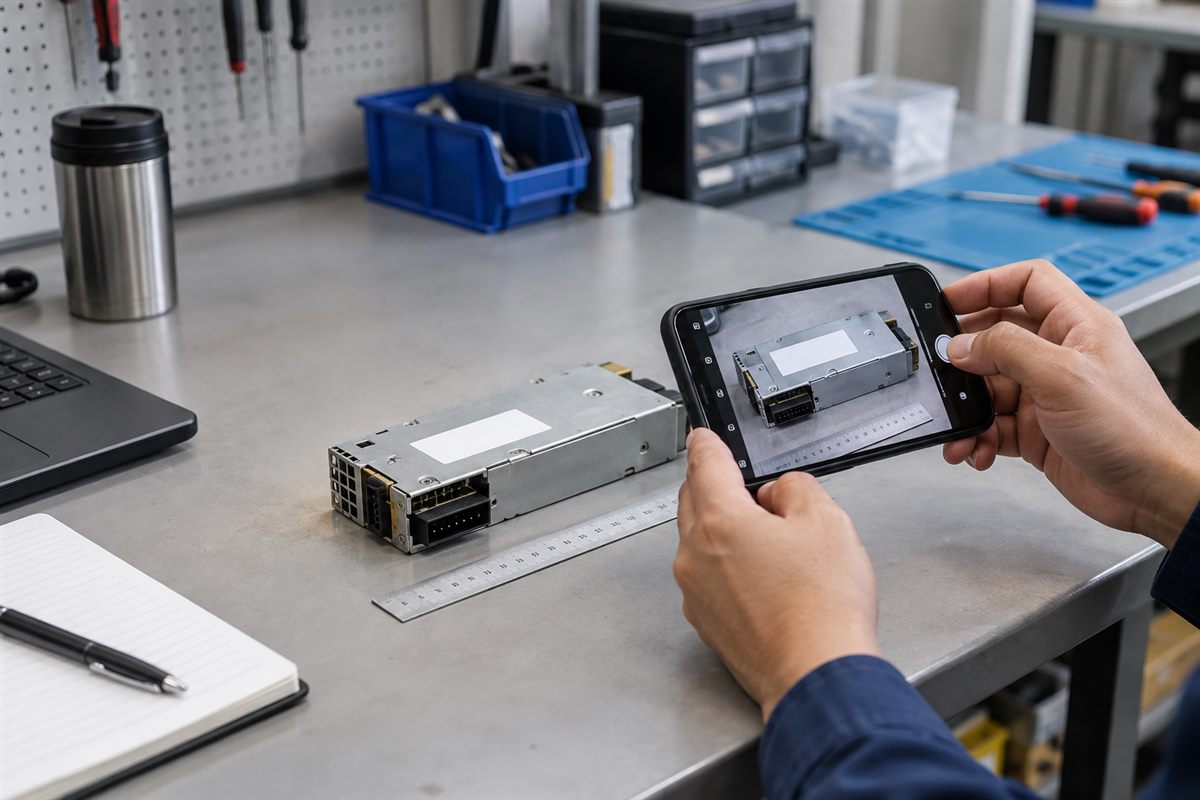
You have a failed part on the table, but nobody can find the old purchase record. The label is dusty, the connector is hidden, and the only photo sent to purchasing is a dark picture taken from across the room.
That makes sourcing much harder than it needs to be.
A few clear photographs can help a supplier understand what you are looking for. They do not prove compatibility by themselves, but they give the supplier a much better starting point.
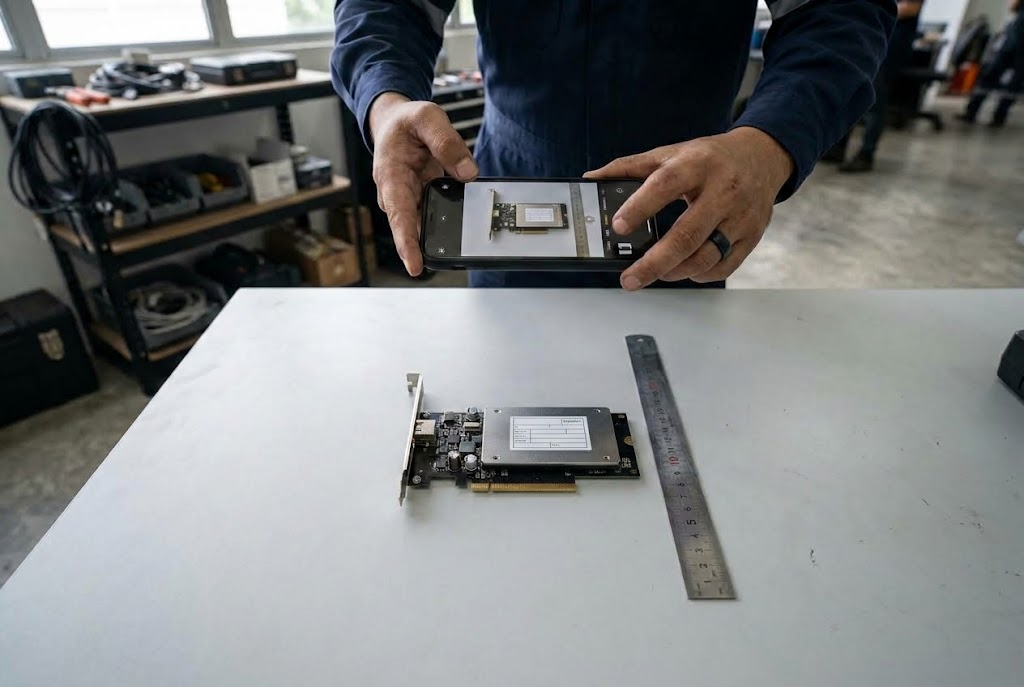
Start with one photo of the whole part
Place the part on a clean, plain surface. Take one photo that shows its overall shape. Leave a little space around it instead of cropping tightly.
If the part cannot be removed safely, photograph it where it is installed. Step back far enough to show where it sits inside the server, laptop, control panel or machine.
Take a close photo of every label
The label is often more useful than the front of the part. It may contain a model number, part number, spare number, voltage, wattage or revision.
Hold the phone parallel to the label. Tap the label on the screen so the camera focuses on it. Check the photo before sending it—if you cannot read the number when you zoom in, the supplier probably cannot read it either.
Watch for glare from overhead lights. Moving the part or phone slightly is often enough to make the label readable.
Show the connectors from both sides
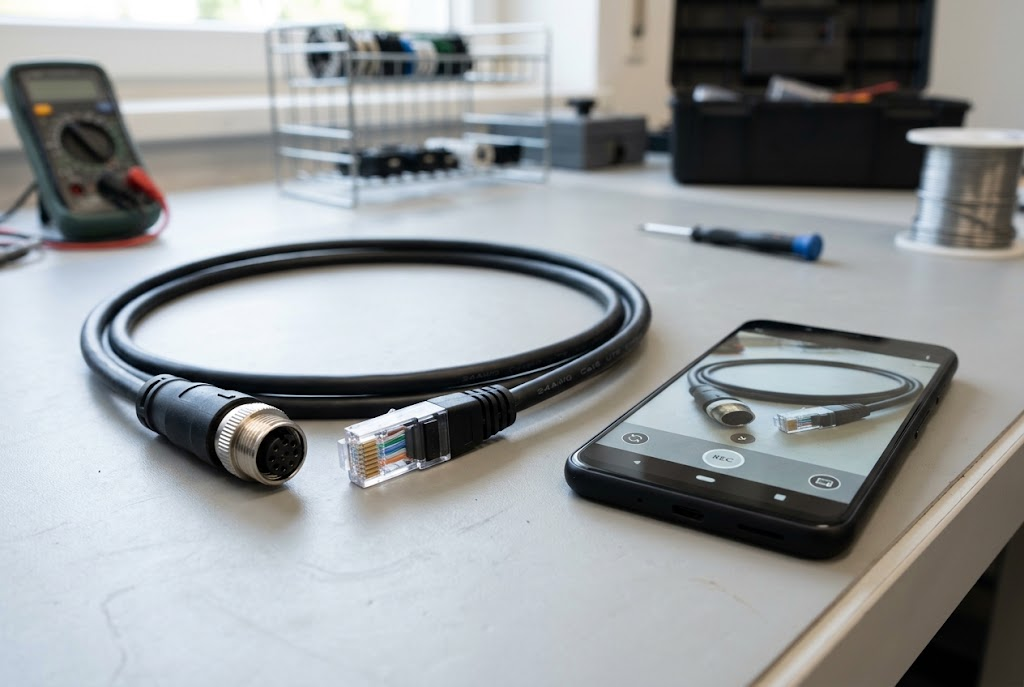
Two parts can look almost the same from the outside but use different connectors or internal wiring. Take a straight-on photo of every connector, socket and cable end.
For cables, photograph both ends separately. For a power supply, show the handle or fan side and the side that connects to the equipment.
Include the equipment model
A loose part may not tell the full story. Photograph the model label of the laptop, server, PLC, HMI or other equipment in which it is used.
Do not send passwords or confidential asset information. Cover customer names, internal asset tags and serial numbers when they are not needed for identification.
Show size only when it matters
If dimensions may affect the replacement, place a ruler beside the part and take a photo from directly above. Do not hold the ruler at an angle because this can make the measurement misleading.
Avoid these common photo problems
- One distant photo of the complete machine.
- A close-up that cuts off part of the label.
- Blur caused by moving the phone too quickly.
- Strong glare hiding the printed numbers.
- Photos sent through an app that reduces the image too much.
- Only one cable end when both ends are different.
What to send with the photos
Add a short message with the manufacturer, equipment model, quantity and reason for replacement. Say whether you need the exact same part or whether your technical team is willing to review an alternative.
Also include the Malaysian delivery location and the date the part is required. The required date is useful for planning, but it is not a guarantee of availability or delivery.
Quick photo checklist
- Whole part.
- Every label.
- Every connector.
- Both cable ends.
- Installed location.
- Equipment model label.
- Ruler or dimensions, if relevant.
Important: A photograph helps with identification. The exact model, specifications and intended use still need to be checked before ordering.
Related Buying and Sourcing Resources
Browse NJ Bravo product listings, or read our guides on sourcing discontinued or hard-to-find parts and checking server PSU compatibility. If your part turns out to be a server power supply, see our guide on finding the PSU part number, then use our quotation request checklist before contacting a supplier. For the full collection, visit NJ Bravo’s Buying Guides.
Send clear photos together with the equipment model, quantity and delivery location in Malaysia. NJ Bravo can then assess available sourcing options against the information provided.
Browse parts in our shop
The categories our customers ask us about most:
- Server power supplies
- PC & workstation power supplies
- PC motherboards
- Laptop batteries
- Laptop & monitor adaptors
- PLC cables & batteries
- HDMI / DP / VGA cables
Can’t see your part? Send us the part number and we will source it for you.
Related guides
 What Information Should You Send When Requesting an IT Replacement-Part Quote?4 min read
 Sourcing Discontinued or Hard-to-Find IT Parts in Malaysia: A Buyer’s Guide7 min read
 Choosing the Right SATA Power Cable for Your New Dell PC (QCT, QCS, ECT, ECS)5 min read