
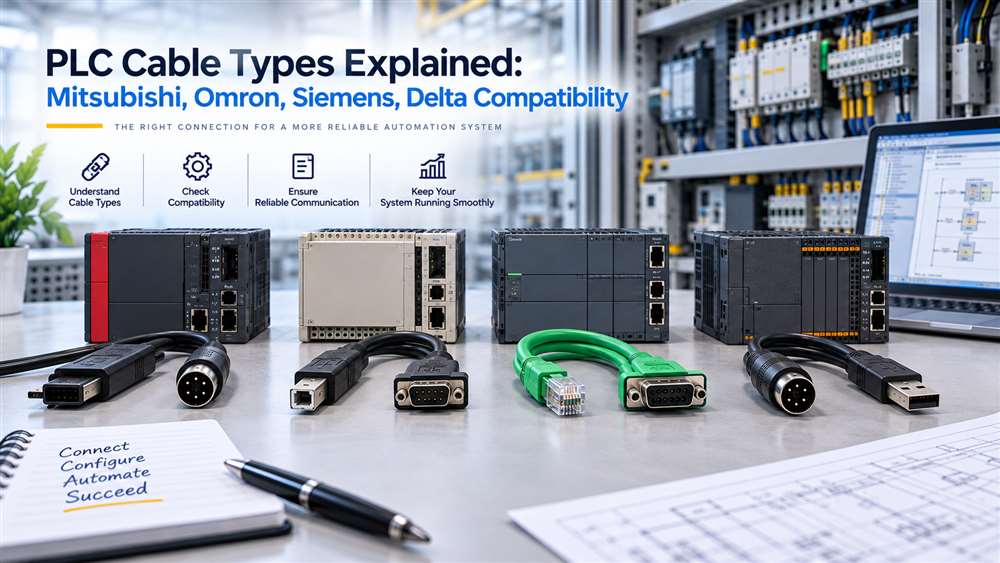
This guide helps buyers identify the PLC, HMI and connection details needed before ordering an industrial cable. It reduces delays caused by visually similar but incompatible connectors or pinouts.
Published 5 September 2026 · Last technically reviewed 11 September 2026 by the NJ Bravo technical sourcing team. This guide is part of the NJ Bravo Buying Guides collection. The team helps Malaysian buyers identify and source PLC and industrial automation parts, including items sourced to order.
PLC programming and communication cables are small components with a significant impact on industrial maintenance. This guide helps Malaysian procurement teams identify the information needed before ordering cables for automation equipment.
A cable that appears similar may use a different pinout, communication standard, connector gender or controller-specific interface. Ordering by brand name alone can lead to site delays, failed commissioning work or unnecessary returns. The correct approach is to match the cable to the exact PLC, HMI, programming software environment and intended application.
In practice, this means identifying the exact PLC, HMI or programming-device model rather than relying on the manufacturer name alone. Buyers should confirm the controller family, full model number, PLC-side port type, connection purpose and the required computer-side interface before requesting a quote. Mitsubishi, Omron, Siemens and Delta each produce multiple controller families that use different connection methods, so the same brand name does not by itself indicate which cable is required.
What to Identify Before Requesting a PLC Cable
Before requesting a quotation, gather the following details. Supplying this information allows a proper compatibility assessment; it does not by itself confirm that a matching cable is available or compatible.
- PLC, HMI or controller manufacturer.
- Full equipment model number.
- CPU or controller series/family.
- Existing cable part number, if available.
- PLC-side port type.
- Computer-side port type, such as USB or serial.
- Purpose: programming, communication, HMI connection or another defined use.
- Required cable length, only where relevant.
- Operating-system and programming-software version, where compatibility depends on them.
- Clear photographs of the equipment label and connection ports.
- Quantity and delivery location in Malaysia.
Identify the PLC Cable Connection Type First
The term “PLC cable” can refer to several different products. Before sourcing, clarify whether the requirement is for:
- PLC programming
- PLC-to-HMI communication
- PLC-to-PC connection
- PLC-to-inverter or servo communication
- Network communication
- Extension or replacement cabling
- Legacy equipment maintenance
The cable required for programming a controller may not be the same cable used for routine communications between a PLC and an HMI. Likewise, cables used with Mitsubishi, Omron, Siemens and Delta systems often vary by controller family and equipment generation.
Start by identifying the exact model number of each connected device.
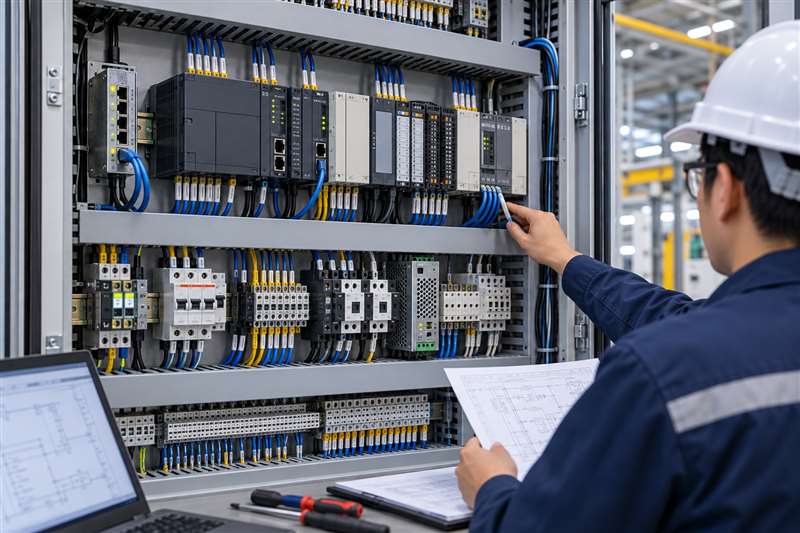
Common PLC Cable Categories
Programming Cables
Programming cables connect a PLC or related automation device to a computer or programming interface. Depending on the equipment generation, these may use serial connections, USB interfaces, Ethernet connections or manufacturer-specific connector arrangements.
Legacy controllers often require specialised programming cables that are no longer commonly held as standard stock. This is especially relevant when supporting installed equipment that has remained in service for many years. Where the original cable itself is discontinued, our guide to sourcing discontinued or hard-to-find IT and industrial parts outlines a practical identification process.
For a programming cable request, provide:
- PLC brand and exact model
- Computer connection required, such as USB or serial
- PLC-side connector type
- Existing cable part number, if available
- Programming software or application context, where known
HMI and PLC Communication Cables
Communication cables connect PLCs with HMIs, operator panels or display equipment. Compatibility depends on both ends of the connection, not only the PLC.
For example, an HMI cable selected for a Mitsubishi controller may differ from one used with an Omron, Siemens or Delta PLC. Even within one manufacturer’s range, older and newer HMI families may have different ports and communication requirements.
Confirm both the PLC model and HMI model. Include the required cable length and installation environment if the cable runs through a control panel, machinery enclosure or cable tray.
Industrial Network Cables
Some automation systems use Ethernet-based, serial or fieldbus-style communication networks. The correct cable selection may involve considerations beyond the connector, including shielding, termination, network topology and environmental exposure.
Where network communication is involved, identify:
- Protocol or network type, if known
- Equipment at each end
- Connector types
- Whether the cable is for fixed installation or temporary service use
- Required length
- Exposure to electrical noise, movement, oil, heat or vibration
Do not substitute a general office cable for an industrial network application without confirming the system and environment requirements.
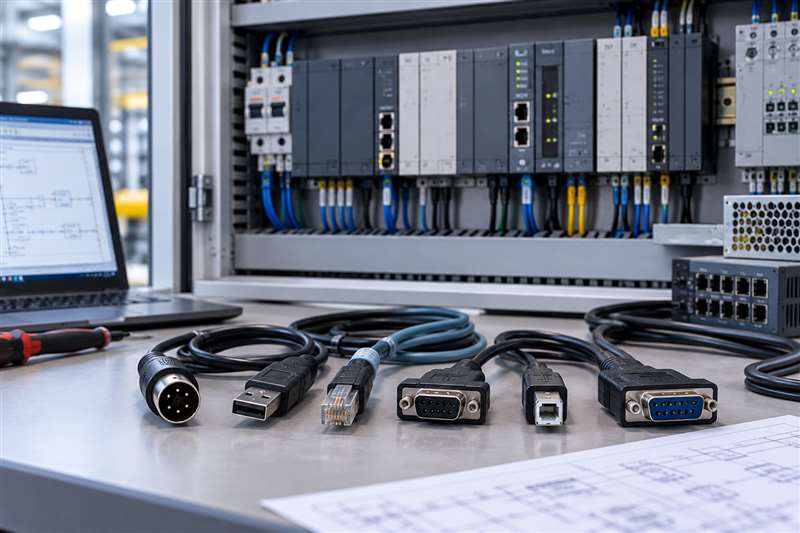
Compatibility Considerations by Brand
Mitsubishi, Omron, Siemens and Delta each supply multiple PLC and automation product families. A cable compatible with one series may not work with another series from the same manufacturer.
For example, a programming cable for a Mitsubishi PLC should be selected by the controller family and port type rather than simply as a “Mitsubishi cable”. The same principle applies to Omron, Siemens and Delta equipment.
In practice, the most useful information for suppliers is:
- Brand and full product code
- Controller or HMI series
- Port labels visible on the equipment
- Existing cable reference
- Photos of the ports and cable ends
- Purpose of the connection
Photographs are particularly valuable for older panels, where equipment documentation may be incomplete or the original cable may have been modified over time.
Manufacturer Identification Comparison
The table below summarises what to identify for each manufacturer. It is an identification reference, not a compatibility matrix — the exact model and connection details must still be confirmed for each request.
| Manufacturer | Information buyer must identify | Variables that may affect cable selection | What to photograph |
|---|---|---|---|
| Mitsubishi | PLC family and full CPU/model reference | Controller generation, PLC port and computer interface | Model label and PLC port |
| Omron | Controller family and full model reference | Peripheral/USB/serial/network connection and intended task | Model label and connection port |
| Siemens | SIMATIC family, CPU reference and engineering interface | Controller generation, interface and engineering environment | CPU label and interface |
| Delta | PLC/HMI family and full model reference | Device port, cable interface and programming purpose | Model label and port |
Connector and Pinout Differences Matter
Industrial cables can have similar external connectors but different internal wiring. A cable with the correct plug shape may still fail because its pinout or signal conversion does not match the equipment.
Potential differences include:
- Male or female connector orientation
- Number of pins
- Straight-through or crossed wiring
- Serial interface arrangement
- USB conversion electronics
- Shielding arrangement
- Proprietary communication layouts
Avoid relying on visual comparison alone. When a cable is being sourced as a replacement, compare the complete reference where possible. If no part number exists, collect photos of both cable ends and all connected devices.
Cable Length and Installation Conditions
Cable length should be specified as part of the purchase request. A programming cable for field maintenance may need a practical length for access to a panel, while a permanently installed communication cable may require routing through conduits or cable trays.
For industrial environments, also consider:
- Electrical interference from motors or drives
- Bending and movement
- Temperature
- Oil, dust or moisture exposure
- Routing alongside power cables
- Panel-entry and strain-relief requirements
The appropriate cable construction depends on the specific installation. Procurement should involve maintenance, automation and engineering personnel where the cable will be used in a production environment.
A Practical Sourcing Process
When a PLC cable is lost, damaged or unavailable, avoid ordering on a generic description. Instead, prepare a short requirement sheet with device models, port photographs, cable purpose and desired length.
For discontinued equipment, the original cable may be hard to locate. In these cases, accurate identification becomes even more important. A B2B source-to-order supplier can help assess options, but the final selection should be based on confirmed equipment details.
Frequently Asked Questions
Can one PLC programming cable work across all Mitsubishi or Siemens models?
No. Compatibility commonly differs between PLC series, generations and port types. Confirm the exact controller model and programming interface.
What if the original PLC cable part number is missing?
Provide clear photos of both equipment ports, the PLC model label, any remaining cable markings and a description of the intended connection.
Are standard USB cables suitable for PLC programming?
Only where the PLC or programming interface is designed to use that USB connection. Many systems require specific cables, adapters or communication interfaces.
Primary Sources
The general identification guidance above is supported by official manufacturer documentation. NJ Bravo does not claim to be an authorised distributor or partner of these manufacturers.
- Mitsubishi Electric — FX Communication User Manual (RS-232C, RS-485, RS-422), FX series: confirms Mitsubishi FX-series controllers use multiple distinct communication interface standards depending on the module and application. Accessed 11 September 2026.
- Omron — USB-Serial Conversion Cable CS1W-CIF31 User Manual, CS/CJ/CP/C/CVM1/CV series: confirms Omron specifies a dedicated conversion cable for these particular PLC families rather than a universal cable. Accessed 11 September 2026.
- Siemens — PC Adapter USB A2 Operating Instructions, SIMATIC S7 (MPI/PROFIBUS): confirms SIMATIC controllers using MPI/PROFIBUS communication require this specific Siemens PC Adapter rather than a generic USB-to-serial cable. Accessed 11 September 2026.
- Delta Electronics — DVP Series PLC Technical Profile, DVP series: documents the DVP-series PLC family and its associated programming and communication accessories as a defined product ecosystem. Accessed 11 September 2026.
Verified PLC Programming and Communication Cable Examples
These examples show why the exact controller, connection purpose and connector arrangement must be checked. Programming cables and HMI-to-PLC communication cables are not interchangeable.
| Brand / system | Model | Purpose and connection | Relevant family |
|---|---|---|---|
| Mitsubishi | USB-SC09 PLC programming cable | USB-A to RS-422; MD8 for FX or DB25 for A/F2. Use one PLC connector at a time. | FX and A/F2 Series |
| Mitsubishi | FX-USB-AW PLC programming cable | USB-A to RS-422 with an MD8 PLC-side connector. | FX3U, FX3G and compatible FX Series |
| Omron | USB-CIF02 PLC programming cable | USB-A to the Omron 20-pin peripheral programming port. | CQM1, CPM1A, CPM2A and C200HS families |
| Weintek / Delta | TK-DVP HMI-to-PLC communication cable | DB9 female to MD8 male, RS-232. This links an HMI to a PLC; it is not a PC programming cable. | Selected Weintek/Weinview HMIs and Delta DVP PLCs |
Important: Confirm both connected devices, the purpose of the connection and the port at each end before ordering.
Related Buying and Sourcing Resources
Choosing the wrong cable type is a common cause of “no signal” issues alongside PLC and HMI equipment. See our guide to HDMI, DisplayPort and VGA cables for industrial and office setups if the requirement also involves a display connection.
Send the PLC or HMI brand, full model number, port photographs, required connection purpose, quantity and delivery location in Malaysia. NJ Bravo can then assess available sourcing options against the information provided.
Related parts in our shop
More programming and HMI cables we supply, by PLC brand:
- Omron USB-CN226: CS / CJ / CQM1H / CPM2C
- Siemens USB-MPI 6ES7972-0CB20-0XA0: S7-200 / 300 / 400
- Delta USB-ACAB230: DVP series
- Fatek USB-FBS-232P0-9F: FBS / B1 / FB1Z
- LS USB-LG: XGB / XBC / XBM / K7M
- Mitsubishi USB-QC30R2: Q series
- Panasonic USB-AFC8513: FP0 / FP2 / FP-X
- Weintek TK-FX HMI cable: Weintek TK HMI to Mitsubishi FX
Can’t see your part? Send us the part number and we will source it for you.
Related guides
 Choosing the Right SATA Power Cable for Your New Dell PC (QCT, QCS, ECT, ECS)5 min read
 LENKENG LKV373 HDMI Extender: How to Check Your Version (V2.0, V3.0, V4.0) Before Buying7 min read
 Lindy USB Port Blockers: USB-A vs USB-C Buying Guide5 min read