
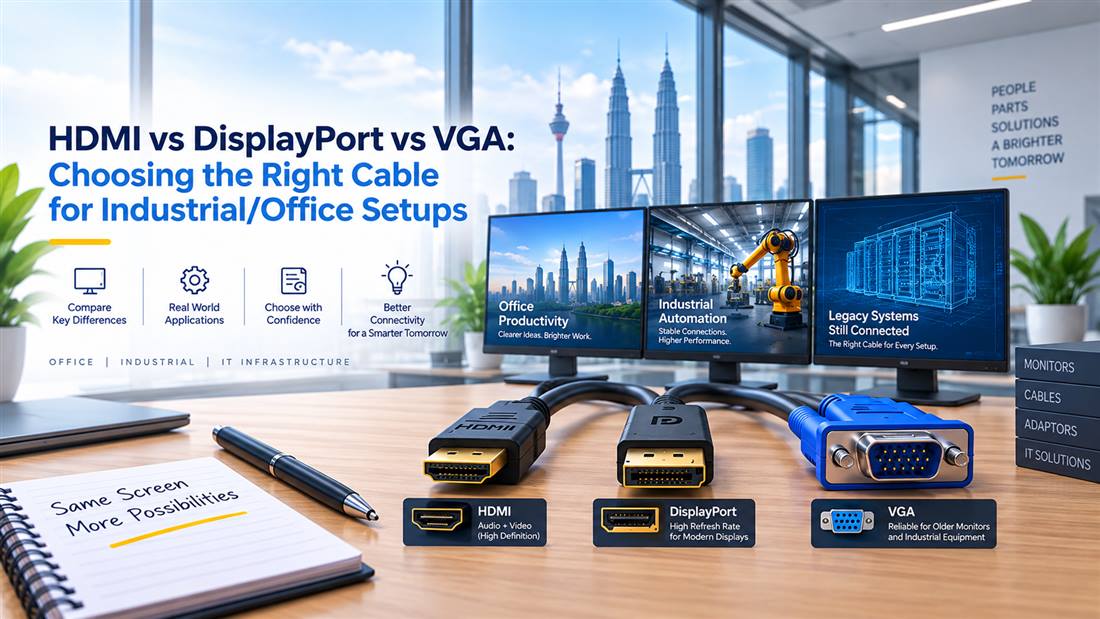
Use this guide to match a display cable to the ports, cable route and working environment. It helps non-technical buyers avoid “no signal” problems in office and industrial installations.
Choosing between HDMI, DisplayPort and VGA is a common procurement question because display connections are often treated as simple accessories until an installation fails. In offices, control rooms, production environments and meeting spaces, the correct cable supports reliable display output, appropriate image quality and easier long-term maintenance.
The best choice depends on the equipment at both ends, the intended display resolution, cable distance, installation route and environment. HDMI, DisplayPort and VGA each remain relevant in different Malaysian B2B applications, particularly where modern monitors must connect with legacy industrial PCs, KVM switches or control equipment.
Match HDMI, DisplayPort and VGA Ports First
Before choosing a cable, identify the output port on the source device and the input port on the display. The source may be a desktop PC, laptop dock, industrial computer, PLC-related display system, KVM switch, digital signage player or server console. The display may be a monitor, projector, television or industrial panel.
Record:
- Source device make and model
- Display make and model
- Available ports on both devices
- Required cable length
- Intended resolution and refresh requirement
- Whether audio is needed through the same cable
- Whether the cable passes through a KVM switch, converter or extender
- Installation conditions, including cable tray routing or interference exposure
This prevents the common mistake of selecting the preferred cable type without checking the actual hardware ports.
When HDMI Is a Practical Choice
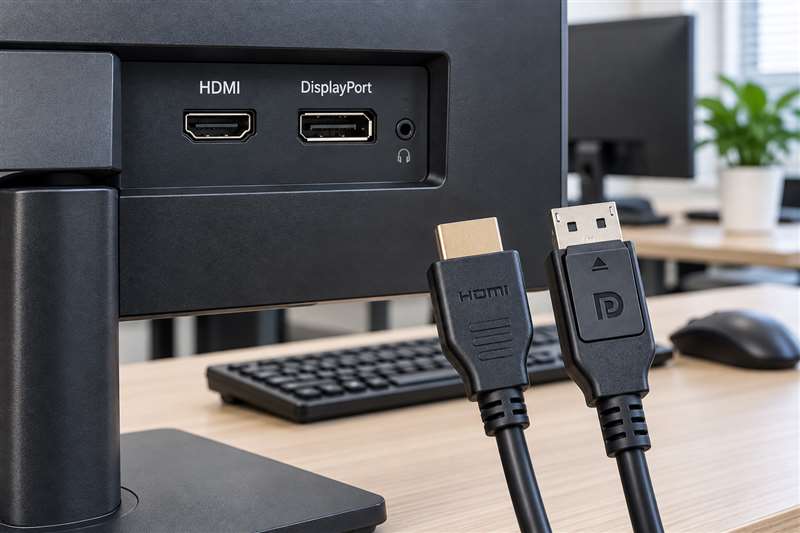
HDMI is widely used for office monitors, televisions, projectors, meeting-room screens and digital signage. It is commonly chosen where a single cable is needed to carry video and, in many applications, audio.
For business procurement, HDMI can be a practical option when:
- The source and display both have HDMI ports
- The cable is used for standard office or meeting-room displays
- Audio needs to travel with video
- The installation uses common commercial display equipment
- Existing infrastructure already uses HDMI switching or distribution
However, HDMI cable selection should still account for distance and signal path. Long runs, adapters, splitters and extenders can affect performance. If an installation requires a longer cable route, confirm the proposed solution rather than assuming any standard cable will work reliably at that distance.
For industrial use, check whether the cable will be subject to vibration, frequent movement or routing near electrical equipment. A cable appropriate for a boardroom may not be the right choice inside a machine enclosure.
When DisplayPort Is the Better Fit
DisplayPort is commonly found on business desktops, workstations, docking stations and professional monitors. It is often preferred where high-resolution computer displays, multi-monitor arrangements or modern workstation environments are involved.
DisplayPort may be suitable for:
- Office desktops with DisplayPort outputs
- Multi-monitor workstations
- Engineering and design environments
- IT administration consoles
- Modern monitors with DisplayPort inputs
- Docking stations used with business laptops
A key procurement point is connector direction. A simple DisplayPort-to-HDMI cable may be designed for one direction only. It should not be assumed that the same cable works in reverse from HDMI output to DisplayPort input. Where ports differ, determine whether a passive cable, active converter or dedicated adapter is required.
This distinction is important for helpdesk teams because incorrect cable direction is a frequent cause of “no signal” incidents after equipment refreshes.
Why VGA Still Matters in Legacy Environments
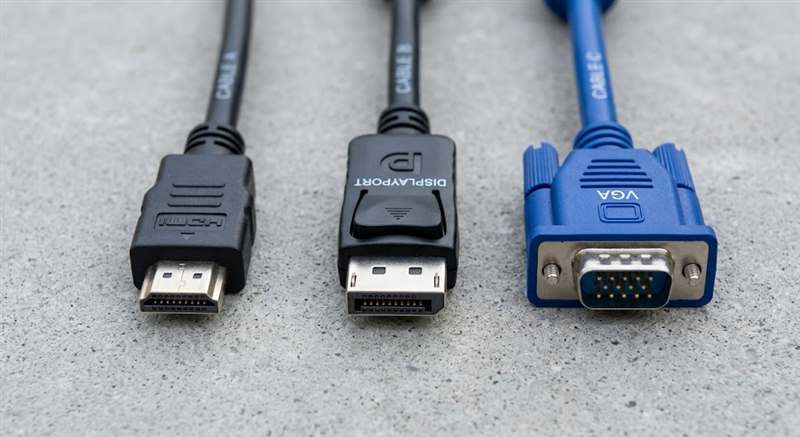
VGA is an analogue display connection that remains common in older office equipment, industrial PCs, legacy monitors, projectors and some server or control systems. It may not offer the same image quality or modern capability as digital interfaces, but it remains operationally relevant.
VGA is often encountered in:
- Older production-line computers
- Legacy KVM installations
- Existing projectors
- Industrial control panels
- Older server console ports
- Equipment awaiting phased replacement
When VGA is required, confirm the connector type and screw-lock arrangement. Cable quality, length and routing can influence image clarity, especially in electrically noisy industrial environments.
If a newer display lacks VGA input, a suitable conversion solution may be needed. Not all adapters behave the same way, so the source device, display device and desired signal direction should be confirmed before purchase.
Consider Cable Length and Signal Path
Cable length is more than a convenience detail. It can influence signal quality and determine whether an active extender, converter or other solution is required.
For each installation, consider:
- Actual route length, not straight-line distance
- Extra allowance for cable management
- Number of adapters or intermediate devices
- Need for wall plates, KVM switches or extenders
- Access for future replacement
- Whether the cable is fixed or frequently moved
Avoid excessive cable slack in industrial panels and avoid forcing connectors under tension. Both can create avoidable maintenance issues.
Industrial Versus Office Cable Requirements
An office desk installation generally prioritises neat routing and connector compatibility. Industrial installations may require more robust planning due to machinery, vibration, electrical noise, heat, dust or restricted access.
Before ordering for an industrial application, consult the maintenance or engineering team regarding:
- Cable routing near power circuits or motors
- Required shielding or construction
- Bend radius and movement
- Panel access
- Connector retention
- Replacement frequency
Where display cabling is part of a critical process or control-room environment, standardising cable types and maintaining labelled spares can shorten recovery time.
Avoid Common Procurement Errors
Common mistakes include ordering a cable without checking port type, using the wrong adapter direction, overlooking cable length and assuming legacy VGA equipment will connect directly to newer digital displays.
A better process is to capture photographs of both ports, note the equipment models and explain how the devices will be connected. This gives a supplier enough context to recommend a suitable cable or accessory without relying on guesswork.
Frequently Asked Questions
Is HDMI better than DisplayPort for office monitors?
Neither is universally better. HDMI is widely used and convenient for many office and meeting-room applications, while DisplayPort is common on business PCs, docks and multi-monitor setups. Choose based on the available ports and required display setup.
Can I connect VGA equipment to a modern HDMI monitor?
Possibly, but it may require an appropriate signal converter. Confirm the source output, display input and conversion direction before purchasing.
Does a longer HDMI or DisplayPort cable always work the same as a short cable?
Not necessarily. Signal reliability can be affected by cable length, cable quality, adapters and intermediate equipment. Review longer installations carefully.
USB-C to VGA Requires Video-Capable USB-C
A USB-C connector does not automatically provide video output. The source device must support DisplayPort Alt Mode. For example, the HP N9K76AA USB-C to VGA adapter converts a compatible USB-C video output to VGA for a monitor, projector or television.
Before selecting this type of adapter, verify DisplayPort Alt Mode support on the source device, the VGA input on the display and the required resolution. An adapter cannot add video capability to a USB-C port that does not support video output.
Related Buying and Sourcing Resources
Browse HDMI, DisplayPort, VGA and AV cables in our catalogue, or see our guides on PLC cable types for Mitsubishi, Omron, Siemens and Delta systems and sourcing discontinued or hard-to-find IT and industrial parts. For the full collection, visit NJ Bravo’s Buying Guides.
Send the source and display device models, the ports at both ends, resolution/refresh requirement where known, required cable length, quantity and delivery location in Malaysia. NJ Bravo can then assess available sourcing options against the information provided.
Related parts in our shop
Cables and adapters we stock for HDMI, DisplayPort and VGA setups:
- HDMI 2.0 4K high-speed cable: 1.5M to 50M
- HDMI 2.1 8K fiber optic cable: for long runs up to 50M
- DisplayPort 1.4 cable: 2M to 15M
- DisplayPort to HDMI cable: 2M to 10M
- HDMI to VGA cable (active): for older monitors and projectors
- DisplayPort to VGA cable: 2M to 10M
- VGA to HDMI cable (active): legacy PC to new display
- HP DisplayPort to VGA adapter 752661-004: short adapter
- Lenovo HDMI to VGA adapter 0B47069: laptop to VGA projector
- LENKENG LKV373 4.0 HDMI extender: HDMI over Cat6, 100-120m
Can’t see your part? Send us the part number and we will source it for you.